Supplier orders — the app writes the list

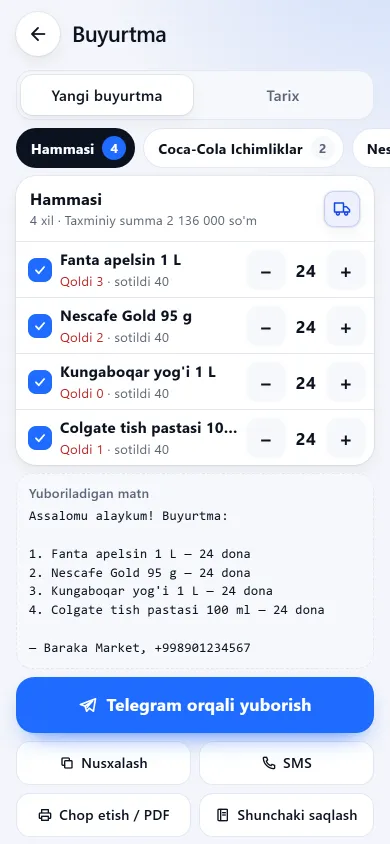
Ordering usually starts with a walk along the shelves: what has run out and how much to buy. BuySale builds that list from your stock — every item at or below its threshold appears, with a suggested quantity worked out from the last 30 days of sales.

Try 7 days freeNo payment card needed

It suggests how much to buy

The suggestion takes the larger of two measures: enough for another 14 days at the last 30 days’ selling pace, or twice the low-stock threshold. Your current stock is subtracted from that target, so what is offered is the shortfall. The number stays a suggestion: every row has “−” and “+”, and the last word is yours.

The order screen — from the app itself

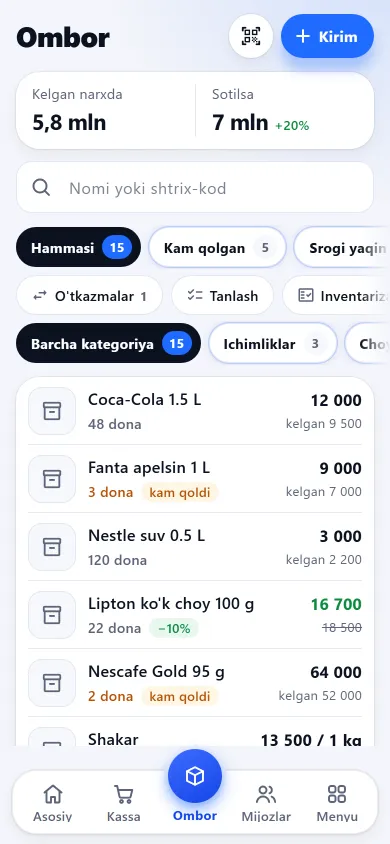
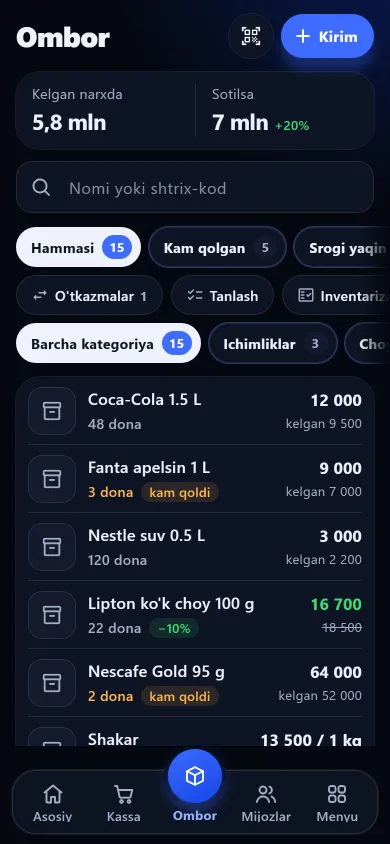
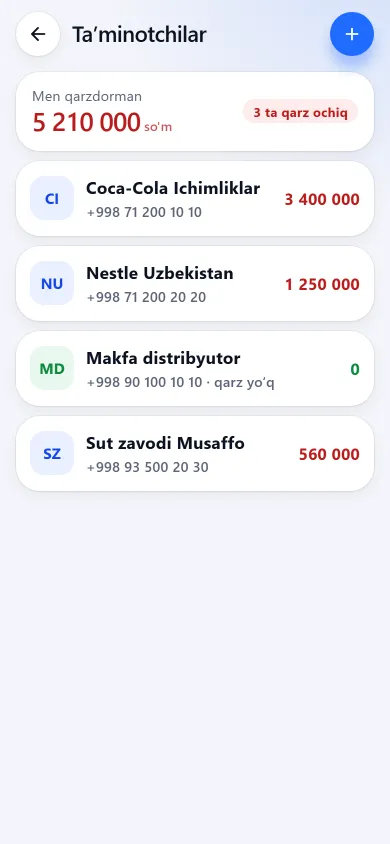
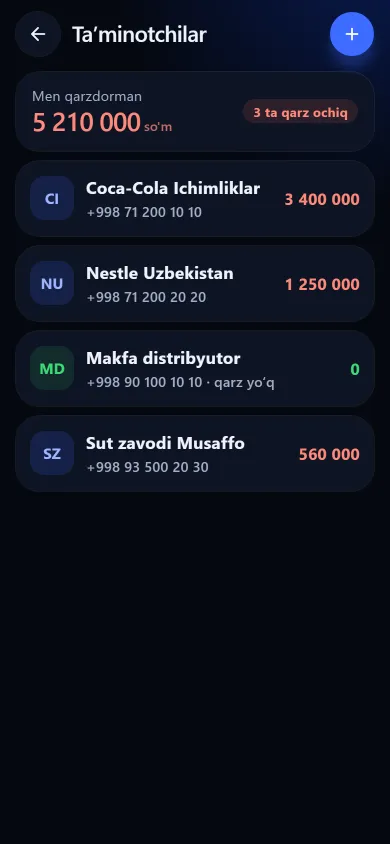
The low-stock list, the stock screen and the suppliers section look like this on a phone.

The order screen with a low-stock list and quantity buttonsThe order screen with a low-stock list and quantity buttonsNew design
The order screen with a low-stock list and quantity buttonsPrevious design
Purchase orderLow-stock items with a suggested quantity for each.
The stock screen with the product list, quantities and pricesThe stock screen with the product list, quantities and pricesNew design
The stock screen with the product list, quantities and pricesPrevious design
StockHow many lines, at cost and at sale price, with low-stock and near-expiry as separate tabs.
The supplier list with the amounts owed to eachThe supplier list with the amounts owed to eachNew design
The supplier list with the amounts owed to eachPrevious design
SuppliersWho you owe and how much, largest first, with the total on top.

These screenshots come from a demo shop: the products, customers and amounts in them are invented. A real shop’s screen shows customer names and their debts, so we do not publish those. The screens themselves look exactly like this.

What this section does not do

The most important one comes first, because it is what people most often expect.

Frequently asked questions

Can I set the “running low” threshold myself?

Yes, and per product. Open the item’s card in the stock section and set its threshold: higher for fast movers, lower for slow ones. The default by shop type is only a starting point — 5 for groceries, 3 for perfume, 2 for clothing. If the books do not match the shelf, run a stocktake first — the suggestion gets sharper after it.

Can I send to several suppliers at once?

No, each is chosen separately. Supplier buttons sit above the list: pick one and the text, total and printing cover only that group. Items with no supplier gather in the last group.

Does the stock update itself when the goods arrive?

No. The “received” button only changes the order’s status; it does not touch stock. Enter the delivery through “Goods intake” in the till section: that opens a batch, raises the stock and writes to the stock journal. The split is deliberate — what you ordered and what actually arrives are often not the same.
Related pages

BuySale

Try it today and see the difference tomorrow.

7 days free, no payment card needed. Then from 6 630 UZS a day, depending on the shop type.

Start for free